Set up Mobile Suica on your phone before you leave home, because the whole thing hinges on decisions that are very hard to make from a Tokyo train platform: whether your specific device can issue the card at all, whether your credit card will be accepted to fund it, and whether you want Express Mode turned on before the first gate you walk through. The parts that fail for U.S. travelers almost never fail at the gate. They fail at the funding step, or they were never possible on that phone to begin with.

I learned that the annoying way, standing in a Shibuya concourse with a phone in one hand and a wallet I had already emptied of purpose. So let me walk you through the way I do it now, at the kitchen table, two weeks before the flight.
Start with the device question, not the app
Before you touch anything, ask the one question that decides everything: iPhone or Android? That sounds like brand loyalty. It is not. It is the hinge the whole plan swings on.
If you have an iPhone, Mobile Suica is issued inside Apple Wallet, the same place your boarding passes live. You open Wallet, tap the plus sign, and Suica shows up as an option to add. The balance then lives on the phone itself, not in an account somewhere in Japan. That last part matters more than it sounds. There is no website to log into, no password to recover, no customer service number that will save you from a locked card. The card is the phone.
If you have an Android, I have to be blunt with you, because I would rather you hear it here than in the airport. Android support for Mobile Suica is largely limited to devices sold in Japan. I have watched friends with perfectly good U.S. Android phones spend an evening scrolling through their Wallet app looking for an option that is not coming. Sometimes it appears and then refuses to complete. Sometimes it never appears at all. If that is your phone, the honest move is to plan around a physical card and stop burning time on this. It is not a skill issue on your end.
So the first thing I do now, weeks out, is check which phone I am actually carrying and whether my travel companion is carrying one that can do this. That decides how many people in the group need a plastic backup.
Express Mode is the part that changes your trip
Here is where I think most people stop short. They successfully add the card, feel good about it, and then walk into Tokyo with the phone locked in a pocket, unlocking it at every gate like it is a boarding pass.
Express Mode is the setting that lets you tap the phone on the gate reader without unlocking it and without opening an app. You just touch the phone to the reader. The gate opens. You keep walking.
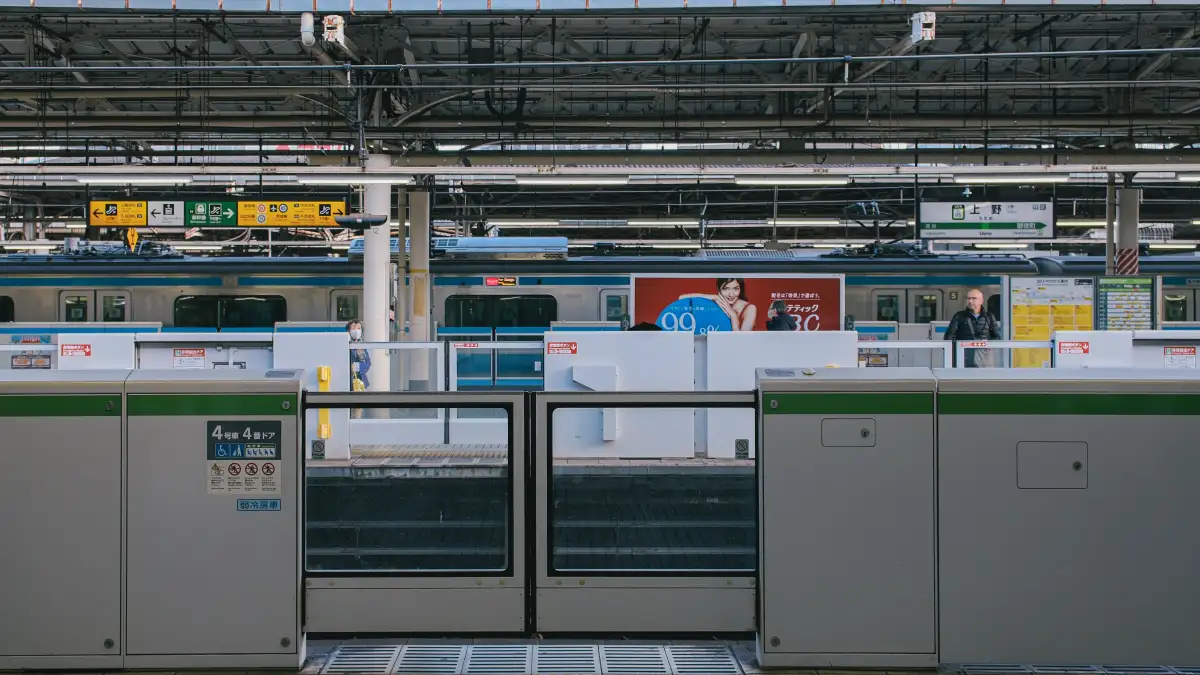
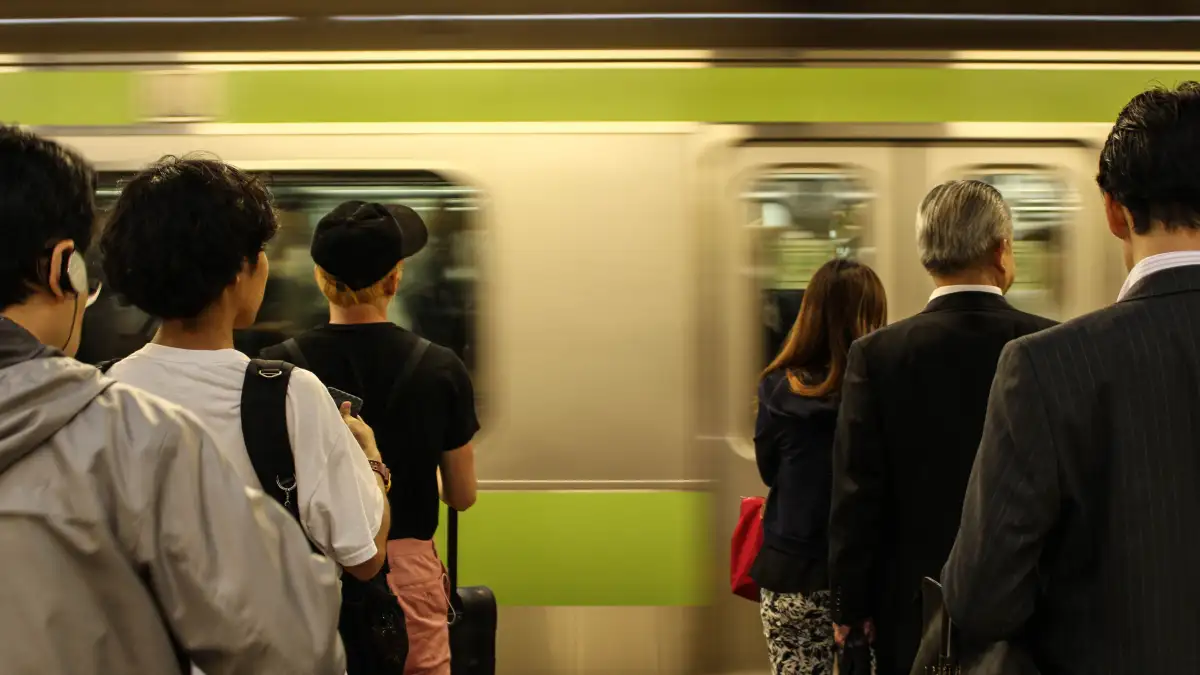
That sounds like a small convenience. It is not small. Think about what a station gate actually is: a hundred people moving through a narrow slot, all of them doing one motion. If your motion is two steps instead of one, you feel it. You feel it even more when you are holding a suitcase, or a coffee, or a child's hand.
I turn Express Mode on at home, before the trip, while I am sitting still and can actually find the setting. Turning it on for Suica usually means going into the card inside your wallet, finding the Express Transit or Express Mode option, and selecting the card. I do it at home because at home I have patience. On a platform I do not.
One thing I want you to understand about Express Mode, because it is the quiet risk in this whole setup: it works without unlocking the phone. That is the point. It also means the phone will pay at a gate whenever it is near a reader, whether or not you meant to. I keep the phone in the same pocket every day so I stop being surprised by my own card.
Funding it is where U.S. travelers actually get stuck
The card is funded inside the wallet app, with a credit card you register there. You do not fund it at a ticket machine. You do not add cash at a counter. You register a card in the wallet, and when the balance runs low, you top it up from the phone.
This is the step I would spend the most time on at home, and it is the step where I have seen the most frustration, including my own.
Mobile Suica is built around Japanese payment habits, and a card issued by a U.S. bank is not always accepted for the top-up. It is not a problem with your bank being bad. It is a mismatch between two systems. Sometimes it works. Sometimes it declines. Sometimes it works for one person and not for the person standing next to them with the same kind of card, which is the part that makes it maddening to plan around.
So here is how I handle it. I add and fund the card while I am still in the United States, with time to spare, so that if the first top-up declines I have days to try something else rather than minutes. I have more than one card available in my wallet for exactly this reason, and I do not assume any particular one will be the one that works. I keep the initial balance modest, enough for the first few days of gates, and I top up again from the hotel wifi once I can see how fast I am actually spending.
That is the whole trick, if there is one. Test the funding at home, while a decline is an inconvenience instead of a crisis.
There is a second path worth knowing about, and I use it depending on what I am carrying.
Moving a physical Suica onto the phone
If you already own a physical Suica from a previous trip, you can move it onto the phone. When you do that, the plastic card is deactivated. It stops working. The stored balance transfers with it.
The deactivation surprises people. They expect a copy. It is a move, not a copy. So if you are traveling with someone else and you are thinking of putting one shared card on your phone, understand that the other person cannot keep tapping the same plastic card afterward. One card, one home.
I have done this move deliberately. I had a plastic Suica with a balance left on it from an earlier trip, and putting it on the phone was cleaner than carrying two things and remembering which one had money. But I only did it once I was confident the phone side worked for me, because the reverse move is a hassle I would rather not need.
The conditions that decide whether this is realistic
Let me put the whole decision in one place, because the pieces only make sense together.
Your device decides whether the card can exist. iPhone in Apple Wallet is the path that works for most U.S. travelers. Android is often a dead end unless the phone was sold in Japan.
Your credit card decides whether the card can be funded. This is the variable to test early, and the one to have a fallback for.
Express Mode decides how good the experience is. Turning it on turns a two-step motion into a one-step motion at every gate of your trip.
And a fully charged phone decides whether any of it works at all. This is the one people forget. A phone with a dead battery cannot open a gate. A phone with NFC turned off cannot open a gate. There is no paper ticket hiding in your pocket unless you put it there on purpose.
Which is why I still carry a backup. I carry a physical card or cash for the subway, not because I expect the phone to fail, but because I have watched a phone reach 1 percent at the wrong moment. The card living on your phone is wonderful right up until your phone decides it is done for the day.
What I actually do, in order
Two weeks out, I confirm which phones in the group can issue a Mobile Suica at all, and I accept that the Android users are probably carrying plastic.
I add the card to the wallet, register a credit card, and try a small top-up while I am still at home with a laptop open next to me in case I need to look something up or switch cards.
I turn on Express Mode and then use the phone for a few days at home, tapping it at a transit reader or a register, just to feel the motion and catch anything wrong while the stakes are zero.
I set the balance at something modest and plan to top up from the hotel, which is the calmest place to do it.
And I put a backup payment method in my bag, because the gate does not care how well I planned if the battery is empty.
The reason I do all of this before leaving is simple. In Tokyo, every one of these steps competes with jet lag, a language I am reading slowly, and a hundred people behind me who already know exactly where they are going. At home, none of that is true. The setup is not hard. It is just better done where you can think.